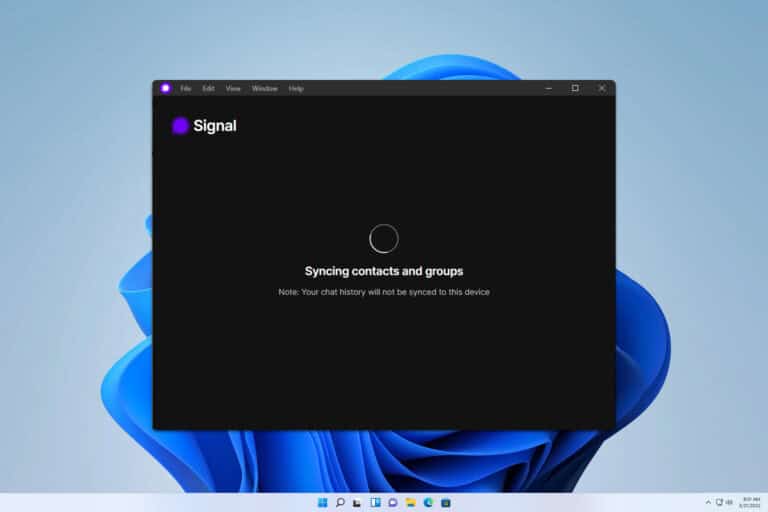
Messaging is no longer limited to smartphones. Many people now expect to continue conversations on their computers while working, studying, or browsing the web. Signal Desktop offers a desktop messaging experience focused heavily on privacy.
For users who care about secure communication, Signal has become one of the most recognizable alternatives to mainstream messaging platforms.
What Is Signal Desktop?
Signal is a privacy-focused messaging platform that supports text messages, voice calls, video calls, and media sharing.
Signal Desktop is available for Windows, macOS, and Linux. The official download page notes that the desktop application must be linked with Signal on a phone.
This linking process connects the desktop experience with the user’s existing Signal account.
Main Features
Signal supports encrypted communication, group conversations, media sharing, voice calls, and video calls.
The desktop application is particularly convenient for people who spend much of their day at a computer.
Instead of constantly reaching for a phone, users can respond directly from the desktop.
Privacy is the major selling point.
Signal is designed around private communication rather than advertising-based social networking.
User Experience
Signal Desktop has a relatively clean interface.
People who have used other messaging applications will generally understand the layout quickly.
Messages appear in a familiar conversation format, while media and files can be exchanged through the desktop application.
The main difference for new users is the relationship between the desktop and mobile applications.
Users must first have Signal installed on a compatible phone and then link the desktop application.
User Review Summary
Privacy-conscious users frequently appreciate Signal because privacy is a central part of its identity rather than an optional feature.
Users also like the clean interface and the ability to continue conversations on a computer.
The main criticism is that Signal may be less useful if most friends, customers, or colleagues use other messaging platforms.
A secure messaging application is only useful for communication with people who are also willing to use it.
Pros
- Privacy-focused
- Clean desktop interface
- Supports encrypted communication
- Voice and video calling
- File and media sharing
- Available on major desktop platforms
Cons
- Requires a mobile setup
- Adoption may be lower than mainstream messaging platforms
- Some users may prefer more social features
- Desktop experience depends on the Signal ecosystem
Who Should Use Signal?
Signal is a strong option for privacy-conscious individuals, journalists, professionals, families, and anyone who wants private conversations.
It is also useful for people who want a desktop messaging experience without relying on advertising-oriented social networks.
Final Verdict
Signal Desktop is a solid choice for users who put privacy ahead of popularity.
Its greatest strength is its focused approach. It does not try to become a giant social platform. Instead, it concentrates on secure communication.
If privacy is an important consideration when selecting a messaging application, Signal deserves a place on the shortlist.
Official Download: Signal Desktop