Introduction
As retail businesses grow, managing inventory becomes increasingly complex. Store owners must track thousands of products, monitor stock across multiple locations, process customer orders efficiently, and analyze sales performance to stay competitive. Relying on spreadsheets or outdated point of sale (POS) systems can lead to inventory errors, lost sales, and unnecessary operational costs.
This is where Lightspeed POS stands out. Designed for retailers, restaurants, and hospitality businesses, Lightspeed POS offers a cloud-based platform that combines inventory management, sales processing, customer relationship management (CRM), and business analytics into a single solution.
Known for its advanced inventory capabilities, Lightspeed has become a popular choice among businesses that require more control than entry-level POS systems typically provide.
In this review, we’ll examine Lightspeed POS in detail, including its key features, pricing, strengths, weaknesses, and whether it remains one of the best POS systems for growing retail stores in 2026.
What Is Lightspeed POS?
Lightspeed POS is a cloud-based commerce platform that helps businesses manage both in-store and online sales from one centralized system. Originally focused on retail, the platform has expanded to support restaurants, golf courses, hospitality businesses, and multi-location operations.
Unlike basic POS software that mainly handles transactions, Lightspeed provides comprehensive business management tools that allow retailers to oversee inventory, purchasing, customer relationships, employee performance, and reporting from a single dashboard.
Its flexibility makes it suitable for businesses ranging from independent boutiques to expanding retail chains.
Key Features
1. Advanced Inventory Management
Inventory management is one of Lightspeed POS’s strongest advantages.
The platform allows retailers to:
- Track inventory in real time
- Manage thousands of SKUs
- Create product variants such as size, color, and style
- Monitor inventory across multiple stores
- Transfer stock between locations
- Generate low-stock alerts
- Create purchase orders
- Manage suppliers
- Track serialized products where applicable
For retailers with large product catalogs, these tools help reduce manual work while improving inventory accuracy.
2. Multi-Location Retail Management
Growing businesses often operate more than one physical location.
Lightspeed enables businesses to:
- Manage multiple stores from one account
- Synchronize inventory between branches
- Compare sales performance by location
- Transfer inventory internally
- Standardize pricing across stores
This centralized management reduces administrative complexity while improving operational efficiency.
3. Fast Checkout Experience
A smooth checkout process improves customer satisfaction.
Lightspeed POS supports various payment methods, including:
- Credit cards
- Debit cards
- Contactless payments
- Mobile wallets
- Gift cards
- Split payments
- Custom payment options (depending on region)
The intuitive checkout interface allows employees to process transactions quickly while reducing waiting times.
4. Comprehensive Customer Management
Understanding customer behavior is essential for long-term business growth.
Lightspeed includes CRM features that allow businesses to:
- Build customer profiles
- Store purchase history
- Track customer spending
- Create loyalty programs through integrations
- Offer personalized promotions
- Send digital receipts
- Segment customers for marketing campaigns
These tools help retailers strengthen customer relationships and encourage repeat purchases.
5. Detailed Reporting and Analytics
Business decisions become easier with accurate data.
Lightspeed offers extensive reporting tools covering:
- Daily sales
- Revenue trends
- Gross profit
- Product performance
- Inventory valuation
- Customer purchasing behavior
- Employee sales
- Sales by location
- Seasonal trends
Reports are presented in an easy-to-understand format, enabling managers to identify opportunities for improvement.
6. Supplier and Purchase Order Management
Retailers regularly work with multiple suppliers.
Lightspeed simplifies purchasing by allowing users to:
- Create purchase orders
- Manage supplier information
- Track incoming inventory
- Receive stock efficiently
- Monitor vendor performance
This feature helps maintain optimal inventory levels while reducing stock shortages.
7. E-commerce Integration
Today’s retailers often sell through multiple channels.
Lightspeed integrates with online selling platforms, enabling businesses to synchronize:
- Products
- Inventory
- Orders
- Customer information
- Pricing
This reduces duplicate data entry and ensures consistency between online and physical stores.
Ease of Use
Despite offering advanced functionality, Lightspeed maintains a clean and organized user interface.
Navigation is straightforward, allowing employees to quickly learn essential tasks such as:
- Processing sales
- Managing products
- Updating inventory
- Creating purchase orders
- Accessing reports
While new users may require some initial training due to the platform’s extensive capabilities, daily operation becomes efficient once staff are familiar with the system.
Hardware Compatibility
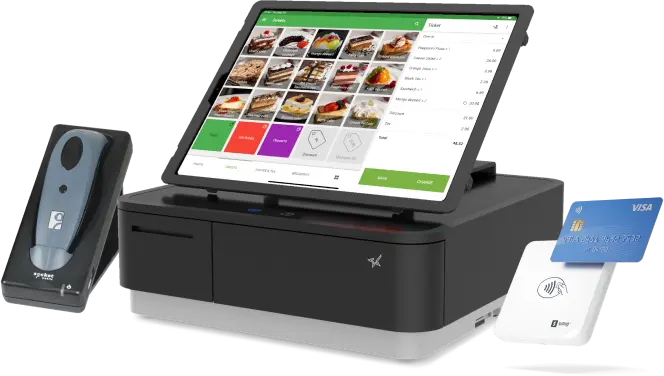
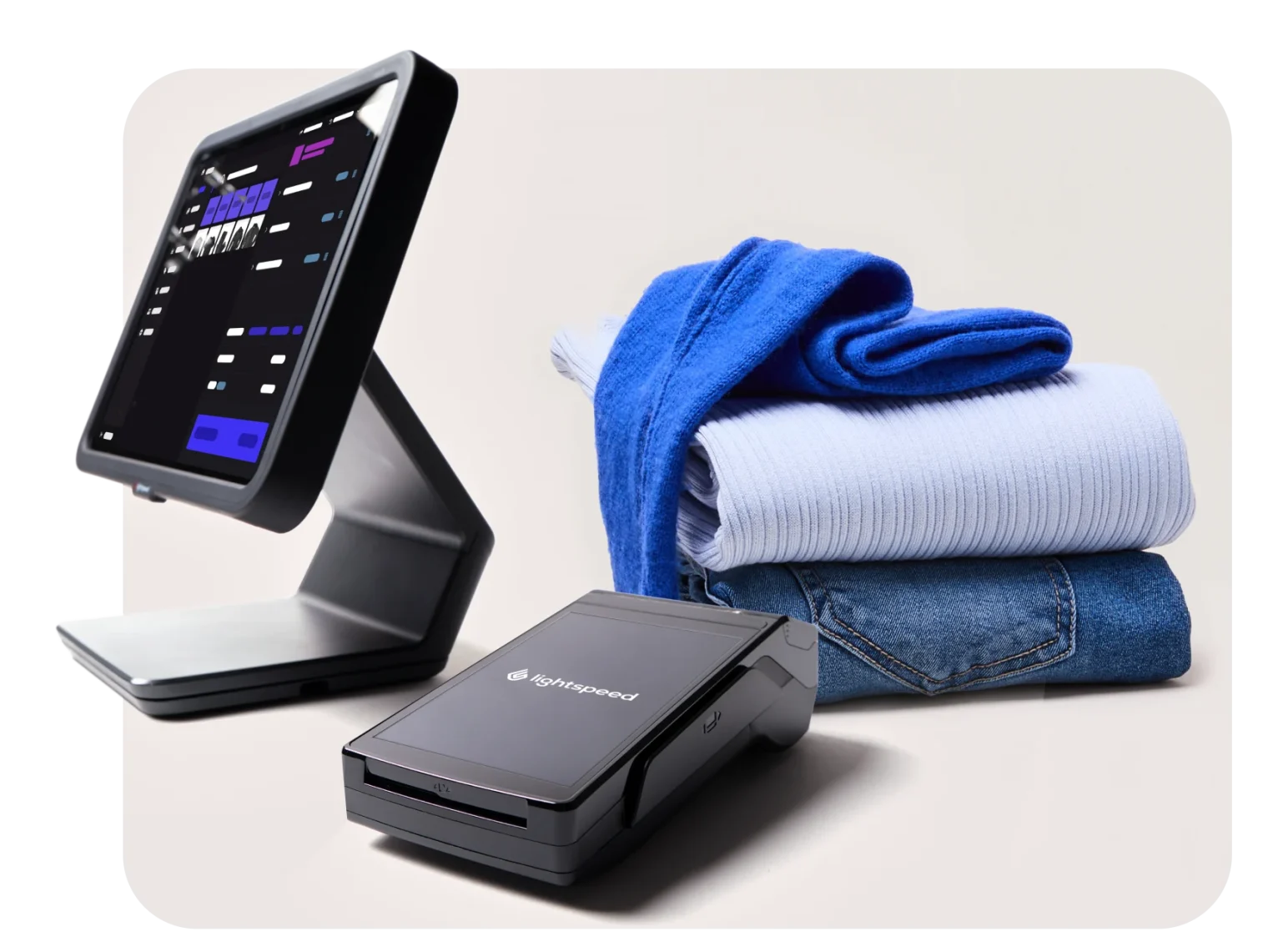
Lightspeed supports a variety of retail hardware, including:
- Barcode scanners
- Receipt printers
- Cash drawers
- Card readers
- Label printers
- Customer-facing displays
Businesses can select compatible hardware based on their operational requirements and local availability.
Security
Protecting customer information and business data is essential.
Lightspeed includes several security features such as:
- Secure cloud hosting
- Data encryption
- User permission controls
- Automatic software updates
- PCI-compliant payment processing
- Secure data backups
These protections help minimize security risks while supporting reliable daily operations.
Pricing
Lightspeed offers subscription-based pricing with several plans designed for different business sizes.
The cost generally depends on:
- Business type
- Number of locations
- Advanced inventory requirements
- Additional features
- Payment processing services
Although Lightspeed is typically more expensive than entry-level POS solutions, many businesses find the advanced inventory management and reporting capabilities justify the investment.
Integrations
Lightspeed connects with many third-party business applications, including:
- Accounting software
- E-commerce platforms
- Email marketing tools
- Loyalty programs
- Payroll systems
- Shipping providers
- Analytics platforms
These integrations allow businesses to customize workflows without replacing existing software.
Pros
Lightspeed POS offers several advantages:
- Outstanding inventory management
- Excellent multi-location support
- Powerful reporting and analytics
- Comprehensive supplier management
- User-friendly interface
- Strong customer management features
- Cloud-based accessibility
- Flexible integrations
- Scalable for business growth
- Reliable retail-focused functionality
Cons
While Lightspeed is highly capable, there are some considerations:
- Monthly subscription costs are higher than many basic POS systems.
- Some advanced features are available only in premium plans.
- Smaller businesses with simple needs may find the platform more robust than necessary.
- Initial setup can take longer than entry-level POS software.
These factors are worth evaluating based on your business size and operational complexity.
Best Businesses for Lightspeed POS
Lightspeed POS is especially well suited for:
- Clothing retailers
- Shoe stores
- Sporting goods shops
- Electronics retailers
- Furniture stores
- Home décor businesses
- Pet supply stores
- Bicycle shops
- Jewelry retailers
- Specialty retailers
- Multi-location retail chains
- Growing independent businesses
Companies with extensive product catalogs and multiple inventory locations will benefit the most from Lightspeed’s advanced management tools.
Customer Support
Lightspeed provides multiple support resources, including:
- Help Center
- Online documentation
- Live chat
- Email support
- Phone support (depending on plan)
- Video tutorials
- Community resources
Educational materials and onboarding guides help businesses get started more efficiently.
Is Lightspeed POS Worth It in 2026?
Lightspeed POS continues to be one of the leading retail management platforms for businesses that require more than basic checkout functionality.
Its advanced inventory controls, supplier management, detailed analytics, and multi-location capabilities make it an excellent solution for retailers experiencing growth or managing complex operations.
Although its pricing may be higher than some entry-level competitors, businesses that rely on accurate inventory management and data-driven decision-making are likely to see significant value from the platform.
Final Verdict
Overall Rating: 4.8/5
Pros
- Industry-leading inventory management
- Excellent support for multi-location retailers
- Powerful reporting and business analytics
- Strong supplier and purchasing tools
- Easy-to-use cloud interface
- Flexible integrations with third-party applications
- Scalable as your business grows
Cons
- Higher subscription costs than basic POS systems
- Premium features require higher-tier plans
- May offer more functionality than very small retailers require
Conclusion
Lightspeed POS remains one of the best point of sale solutions for growing retail stores in 2026. Its comprehensive inventory management, centralized multi-store operations, detailed reporting, and cloud-based flexibility make it a valuable investment for retailers seeking greater control over their business. While smaller shops with simple requirements may prefer a more basic POS system, businesses planning to scale will appreciate Lightspeed’s powerful tools and long-term growth potential.